ssh 설정은 되어 있지만 remote repository로 push가 되지 않는다.
github에서 username, password로의 접속을 허용하지 않으므로
ssh로 push를 할수 있도록 설정
1.사전 설정
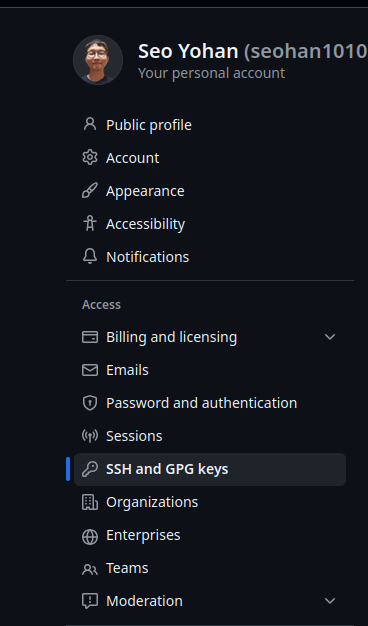
SSH and GPG keys 메뉴에서

ssh public key를 먼저 등록해 주어야 한다.
#ssh 연결이 되는지 확인
ssh -T git@github.com

Hi seohan1010! You've successfully authenticated,
but GitHub does not provide shell access.
연결 테스트
2. remote 주소를 로컬 리포지터리에 등록
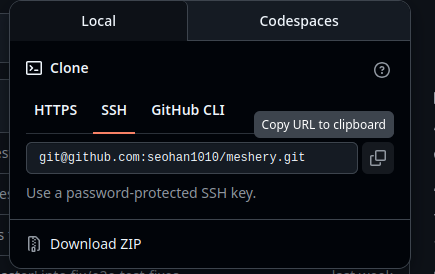
ssh의 주소 복사
#로컬 리포지터리에 등록
git remote add origin git@github.com:seohan1010/meshery.git

#테스트
git push origin master

Everything up-to-date #연결이 정상적으로 되었다.
https://docs.github.com/en/authentication/connecting-to-github-with-ssh/using-ssh-agent-forwarding
Using SSH agent forwarding - GitHub Docs
To simplify deploying to a server, you can set up SSH agent forwarding to securely use local SSH keys.
docs.github.com
'ops > github' 카테고리의 다른 글
| [github] 로컬 리포지터리를 github에 푸쉬하기 (1) | 2024.10.07 |
|---|---|
| [github] 생성된 로컬 리포지터리를 github에 올리기 (0) | 2024.07.03 |