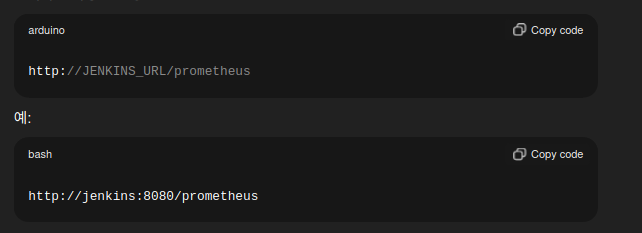
#프로메테우스 설정 파일에 추가

scrape_configs:
  - job_name: "jenkins"
    metrics_path: /prometheus
    static_configs:
      - targets:
          - 10.0.4.4:8080
프로메테우스 설정 파일 수정
endpoint가 /prometheus 이므로
metrics_path를 작성
#유효성 검사
/usr/local/bin/promtool check config /etc/prometheus/prometheus.yml

Checking /etc/prometheus/prometheus.yml
 SUCCESS: /etc/prometheus/prometheus.yml is valid prometheus config file syntax

#prometheus 프로세스 확인

ps -ef | grep prometheus

prometh+     745       1  0 08:10 ?        00:00:00 /usr/local/bin/prometheus
ubuntu      1141    1053  0 08:15 pts/0    00:00:00 grep --color=auto prometheus

#prometheus 프로세스 재시작

sudo kill -HUP 745
설정파일 유효성 검사 및 프로세스 재시작
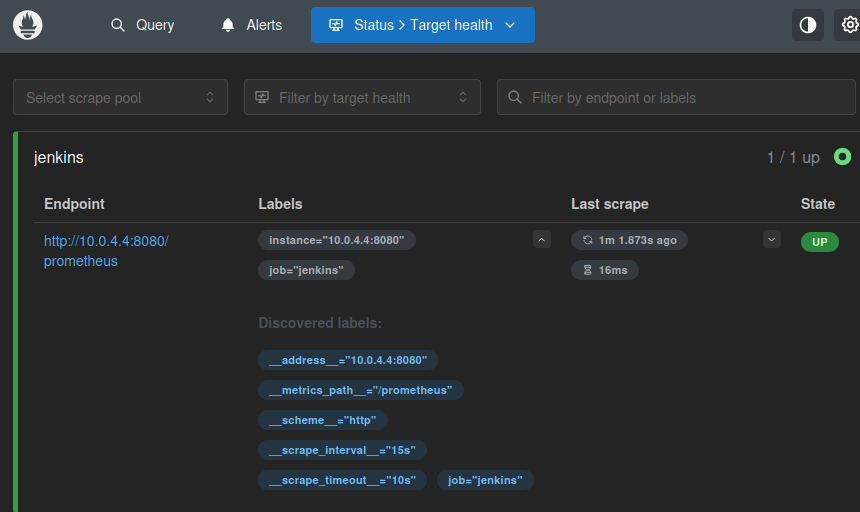
메트릭 확인
'ops > jenkins' 카테고리의 다른 글
| jenkins에 프로메테우스 메트릭 설정 - 1 (0) | 2025.12.26 |
|---|---|
| jenkins 파이프라인 usernamePassword() 사용하기 (0) | 2025.12.26 |
| trivy server에 이미지 스캔 요청 보내기 (0) | 2025.12.25 |
| docker conatainer에 bind mount, volumne mount하기 (0) | 2025.12.25 |
| java.lang.RuntimeException: java.io.IOException: No space left on device - 1 (1) | 2025.12.25 |