1. ui 실행
#엔드포인트 확인
mesheryctl system status

NAME              READY  STATUS   RESTARTS  AGE
meshery           1/1    Running  0         39m39s
meshery-broker    2/2    Running  0         39m34s
meshery-meshsync  1/1    Running  0         39m33s
meshery-operator  2/2    Running  1         39m36s

Meshery endpoint is http://20.0.0.2:32741 #출력되는 주소로 이동
2.local 클러스터 config 파일 준비
#.kube/config 파일 복사 (ubuntu)
cp ~/.kube/config  ~/Downloads/config
3. meshery 웹 화면에서 클러스터 정보 등록
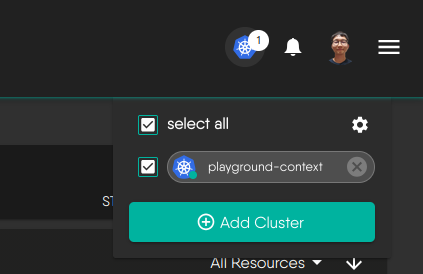
Add Cluster 클릭
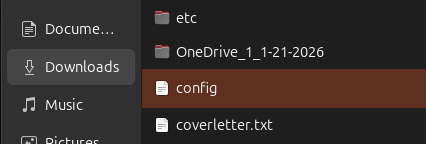
임포트할 파일 선택
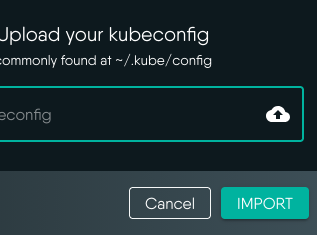
Import

연결상태 알림

체크 하고 해당 클러스터 이름을 한번 클릭해준다.
(연결이 되지 않는 있음)

연결완료
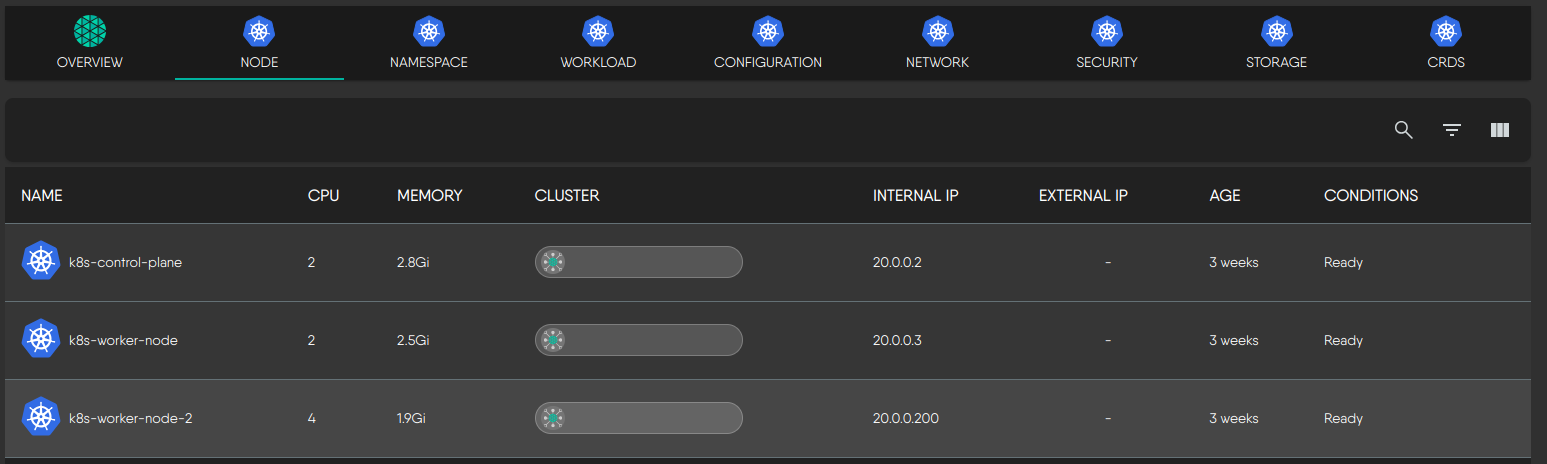
클러스터 정보 확인
'open source > meshery' 카테고리의 다른 글
| meshery를 사용한 azure 리소스 프로비저닝 - 3 (0) | 2026.02.02 |
|---|---|
| meshery를 사용한 azure 리소스 프로비저닝 - 2 (0) | 2026.02.02 |
| meshery를 사용한 azure 리소스 프로비저닝 - 1(설정) (0) | 2026.02.02 |
| meshery 프로젝트 설정 - 2 (환경설정 & 설치) (0) | 2026.01.29 |
| meshery 프로젝트 설정 - 1 (0) | 2026.01.29 |

