1. 디자인 배포
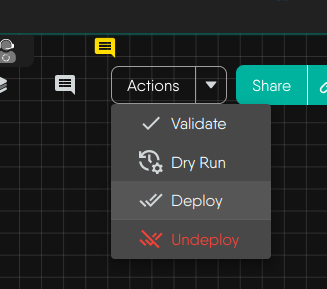
Actions -> Deploy
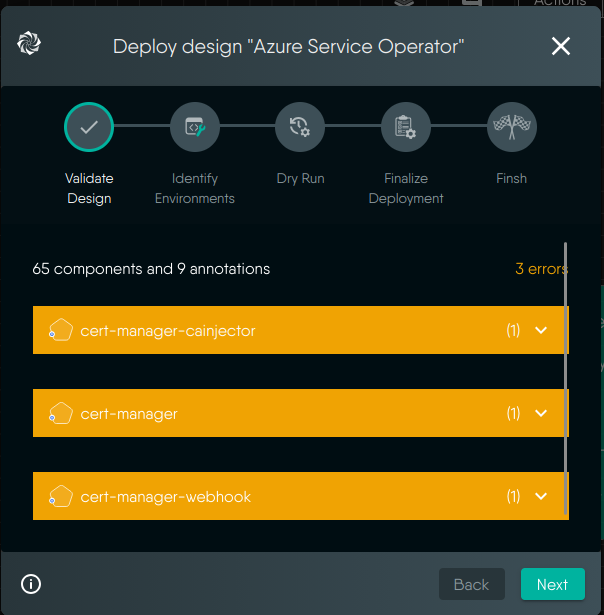
Next
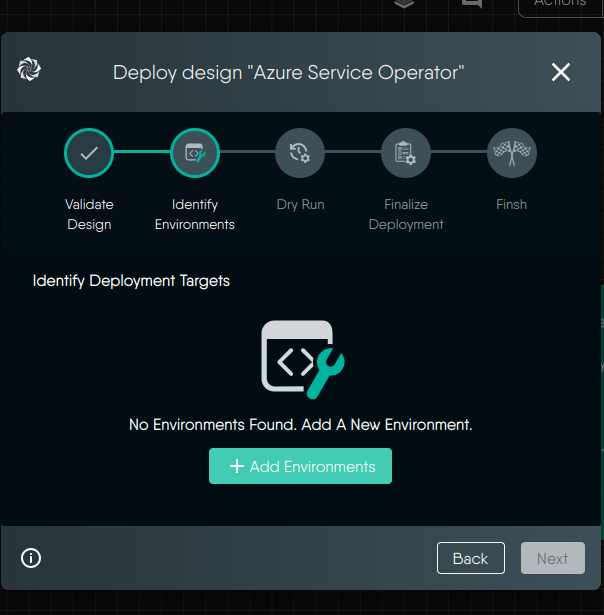
Add Environment
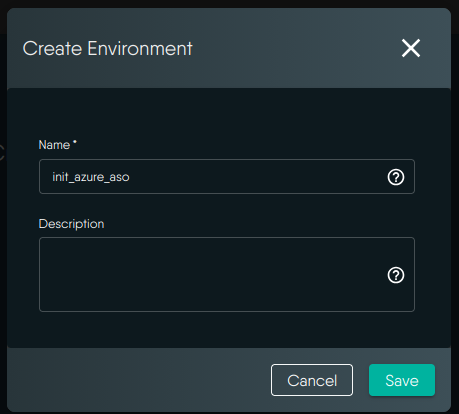
정보 입력 및 Save
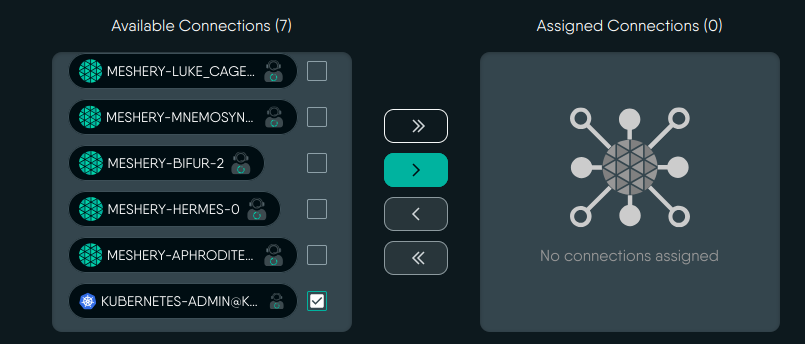
배포할 클러스터를 선택후 추가
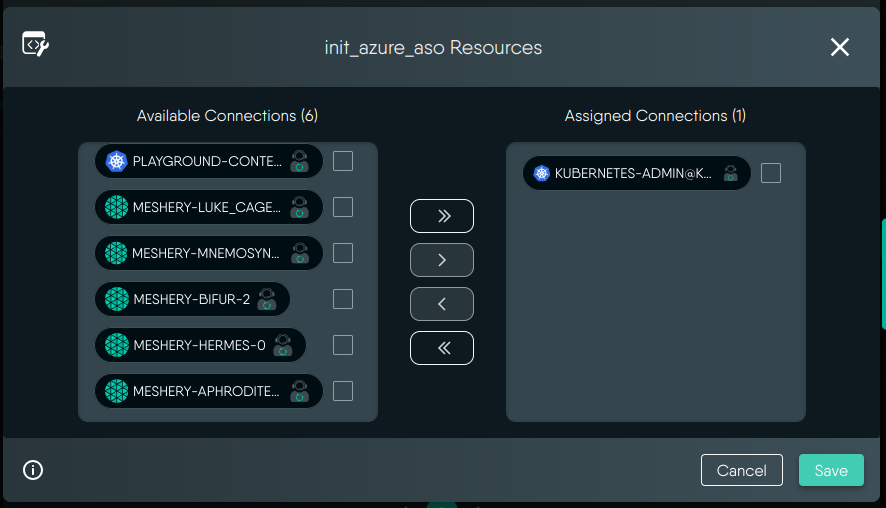
추가후 Next
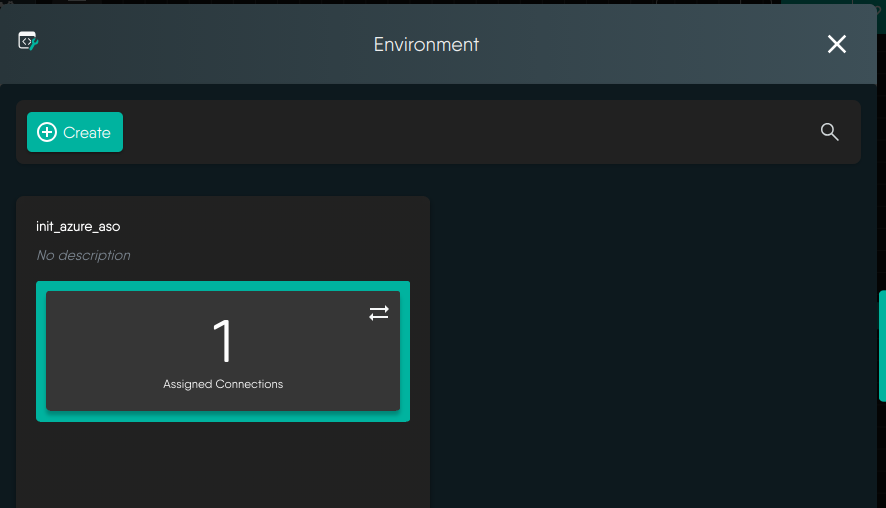
설정 완료
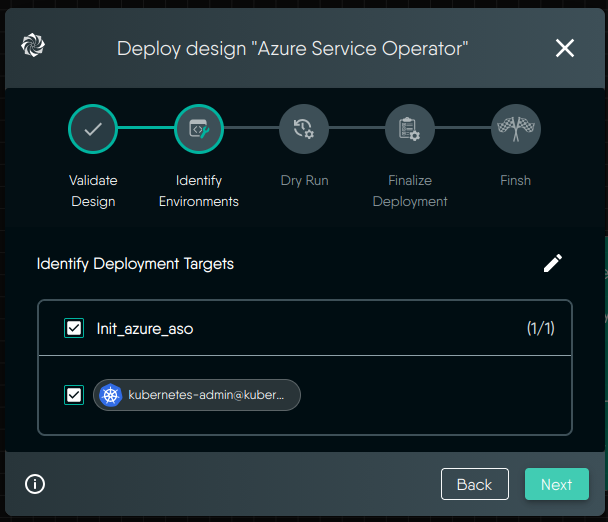
Next

dry run 중
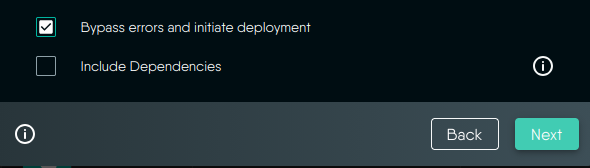
동일하게 에러가 발생해서 에러와 상관없이 배포 선택
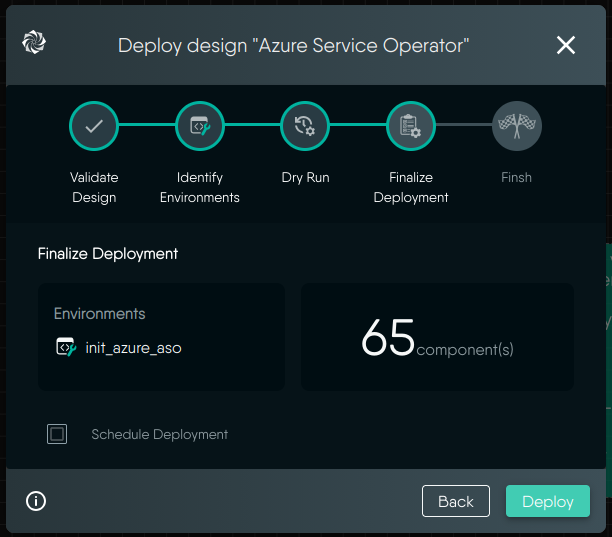
Deploy 클릭

배포 완료

Open In Operator 클릭
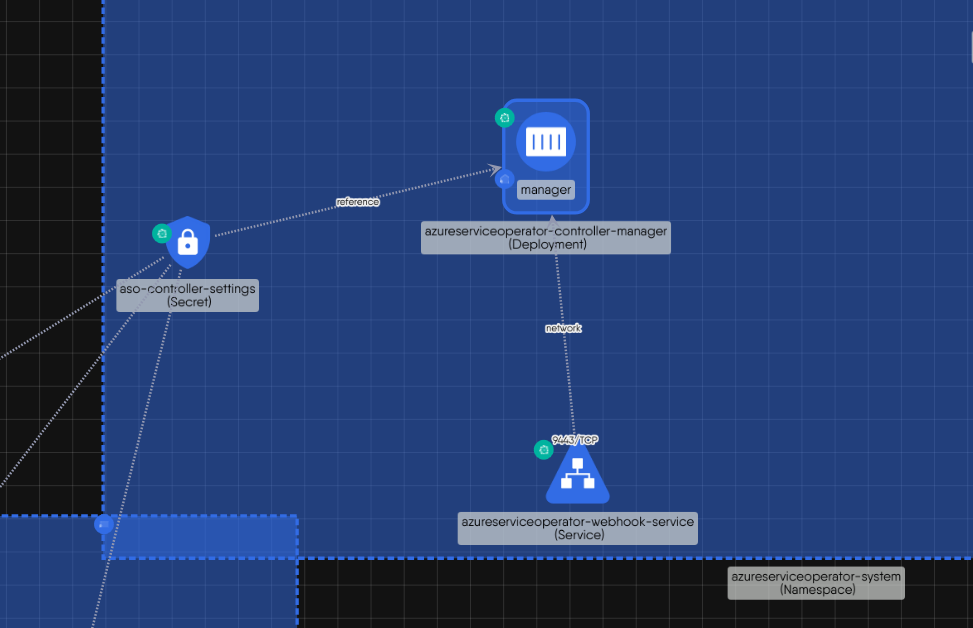
배포된 Operator 구조
-Operator 탭에서 리소스 정보 확인하기
Layers 클릭
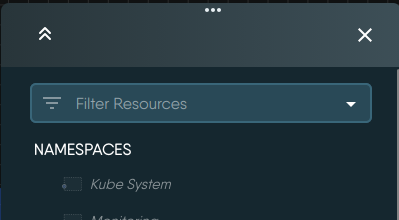
NAMESPACES 클릭
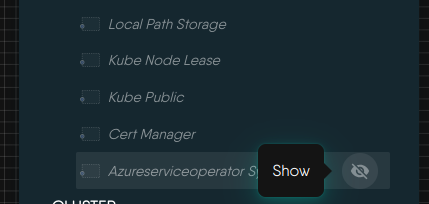
리소스를 확인할 Namespace의 아이콘 클릭
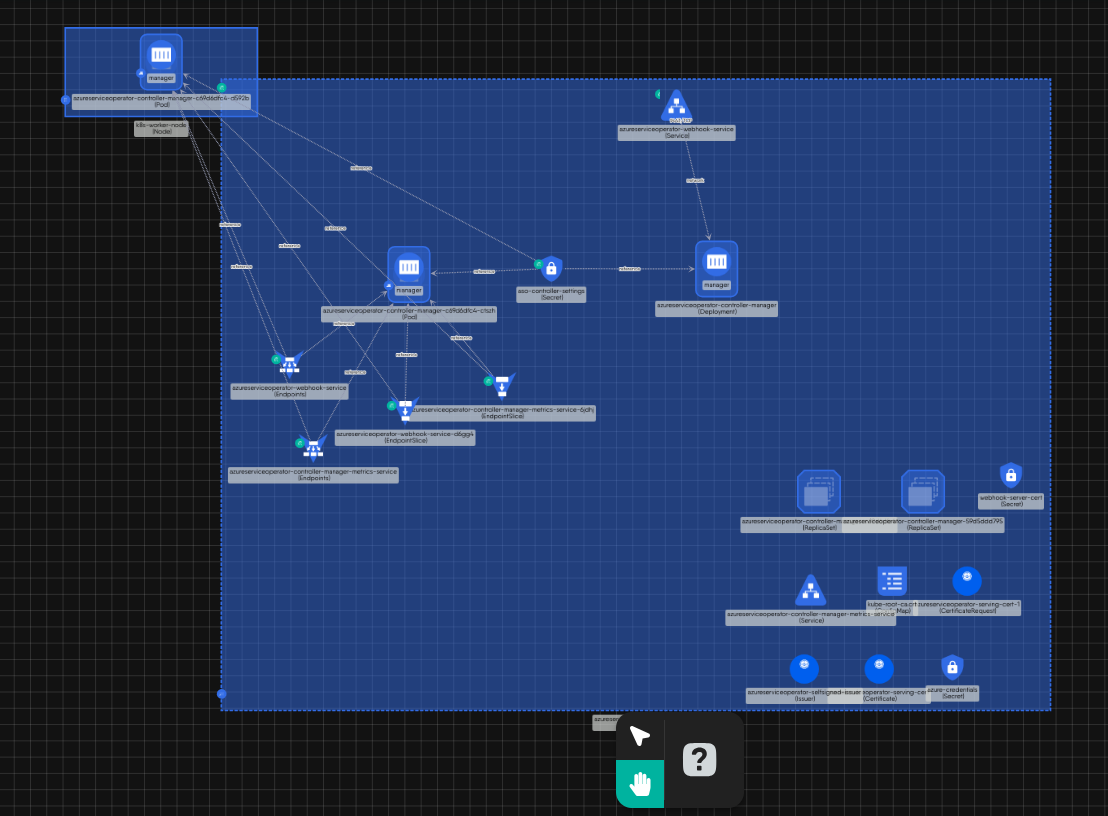
해당하는 Namespace의 리소스를 확인할수 있다.
#터미널에서 확인

kubectl get all --namespace  azureserviceoperator-system #네임스페이스의 모든 리소스 조회


NAME                                                          READY   STATUS                       RESTARTS   AGE
pod/azureserviceoperator-controller-manager-c69d6dfc4-ctszh   0/1     CreateContainerConfigError   0          13m
pod/azureserviceoperator-controller-manager-c69d6dfc4-d592b   0/1     CreateContainerConfigError   0          13m

NAME                                                              TYPE        CLUSTER-IP       EXTERNAL-IP   PORT(S)    AGE
service/azureserviceoperator-controller-manager-metrics-service   ClusterIP   10.98.56.106     <none>        8443/TCP   62m
service/azureserviceoperator-webhook-service                      ClusterIP   10.100.227.100   <none>        443/TCP    62m

NAME                                                      READY   UP-TO-DATE   AVAILABLE   AGE
deployment.apps/azureserviceoperator-controller-manager   0/2     2            0           62m

                                            .
                                            .
                                            .
Meshery Documentation
As a self-service engineering platform, Meshery enables collaborative design and operation of cloud native infrastructure.
docs.meshery.io
'open source > meshery' 카테고리의 다른 글
| meshery를 사용한 azure 리소스 프로비저닝 - 2 (0) | 2026.02.02 |
|---|---|
| meshery를 사용한 azure 리소스 프로비저닝 - 1(설정) (0) | 2026.02.02 |
| meshery 프로젝트 설정 - 3 (클러스터 정보를 ui에서 확인) (0) | 2026.01.29 |
| meshery 프로젝트 설정 - 2 (환경설정 & 설치) (0) | 2026.01.29 |
| meshery 프로젝트 설정 - 1 (0) | 2026.01.29 |


